USDC
 USDT
 MetaMask
 Binance Wallet
 Trust Wallet
 OKX Wallet


Fiat to stablecoin
Buy Crypto
Pay in your local currency and receive USDC or USDT in your DPT balance. You see the exact amount you will receive before you confirm.
- Fees
- From 0.99%
- Arrives
- Typically 5–30 min
- Pay with
- Card, wallet, bank
Pay by card, Apple Pay or bank transfer, or send USDC and USDT from any wallet.
Buy stablecoins with local money, deposit crypto you already hold, or get paid by another DPT user.
Pay in your local currency and receive USDC or USDT in your DPT balance. You see the exact amount you will receive before you confirm.
Send USDC or USDT from any wallet or exchange on Ethereum, Solana, Tron and more — or connect MetaMask, Binance Wallet and other wallets to deposit directly.
Friends, family or clients who already hold a DPT balance can send stablecoins straight to yours, with no blockchain step in between.
0 Fee between DPT users
Coming soon Personal virtual bank accounts, so you can receive local-currency bank transfers directly into DPT.
Cards, mobile wallets, bank transfers and local e-wallets. Options vary by country.
PayPal: EU accounts only. DPT cards can't be used to buy crypto.


 SEPA · EU
 PIX · Brazil
 QRIS
 MoMo
 · EU accounts
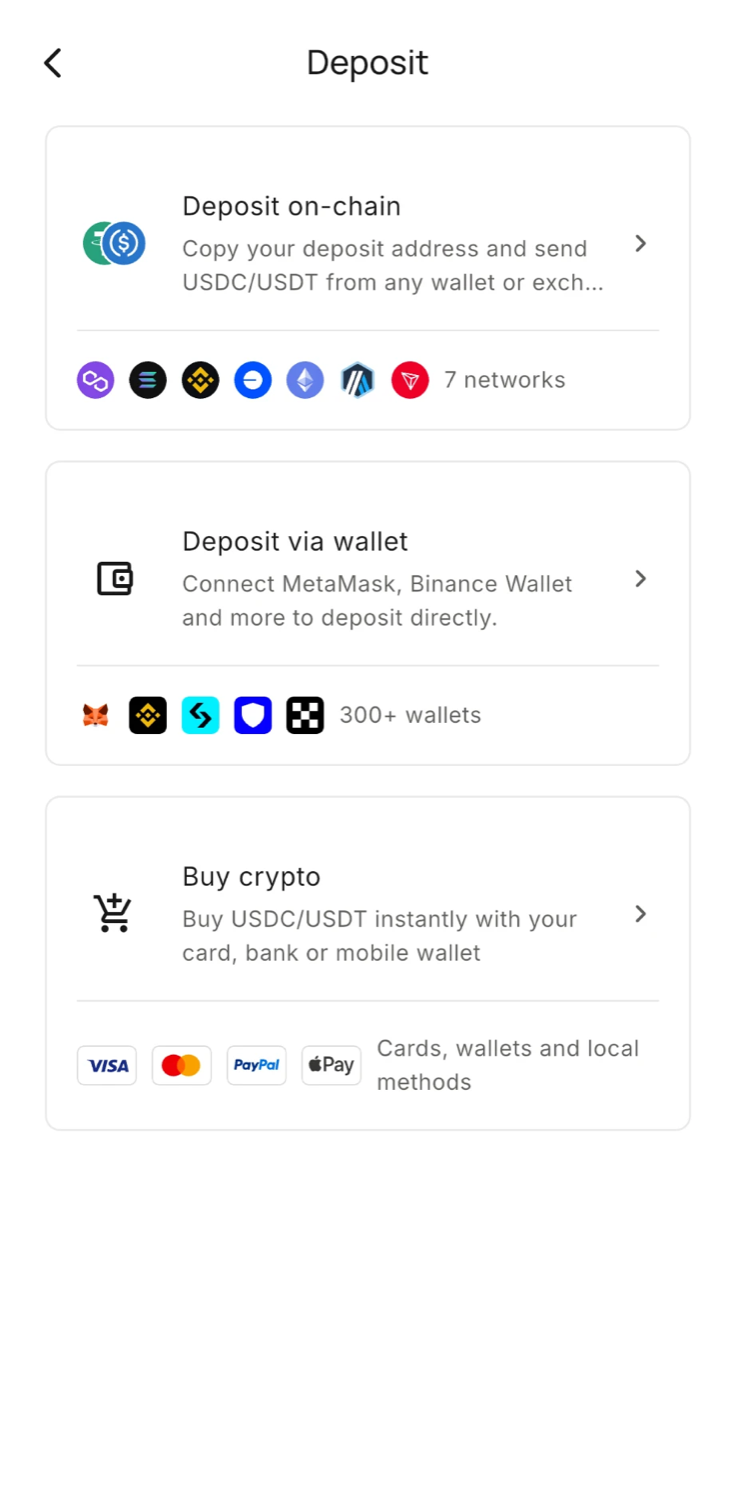
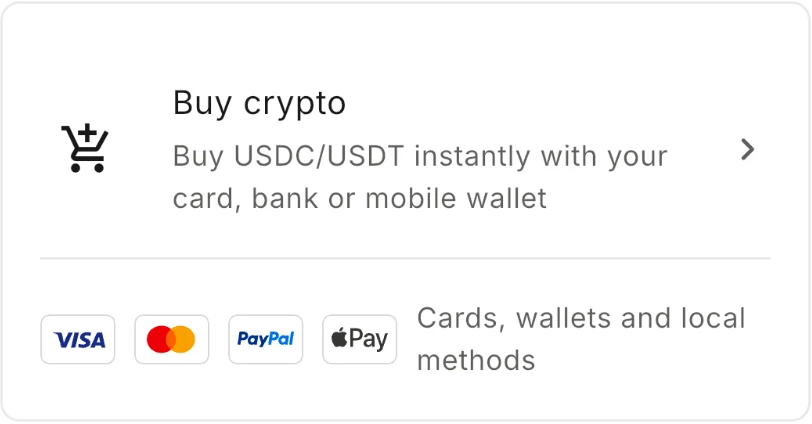
Tap Deposit on the Home screen, then Buy Crypto.
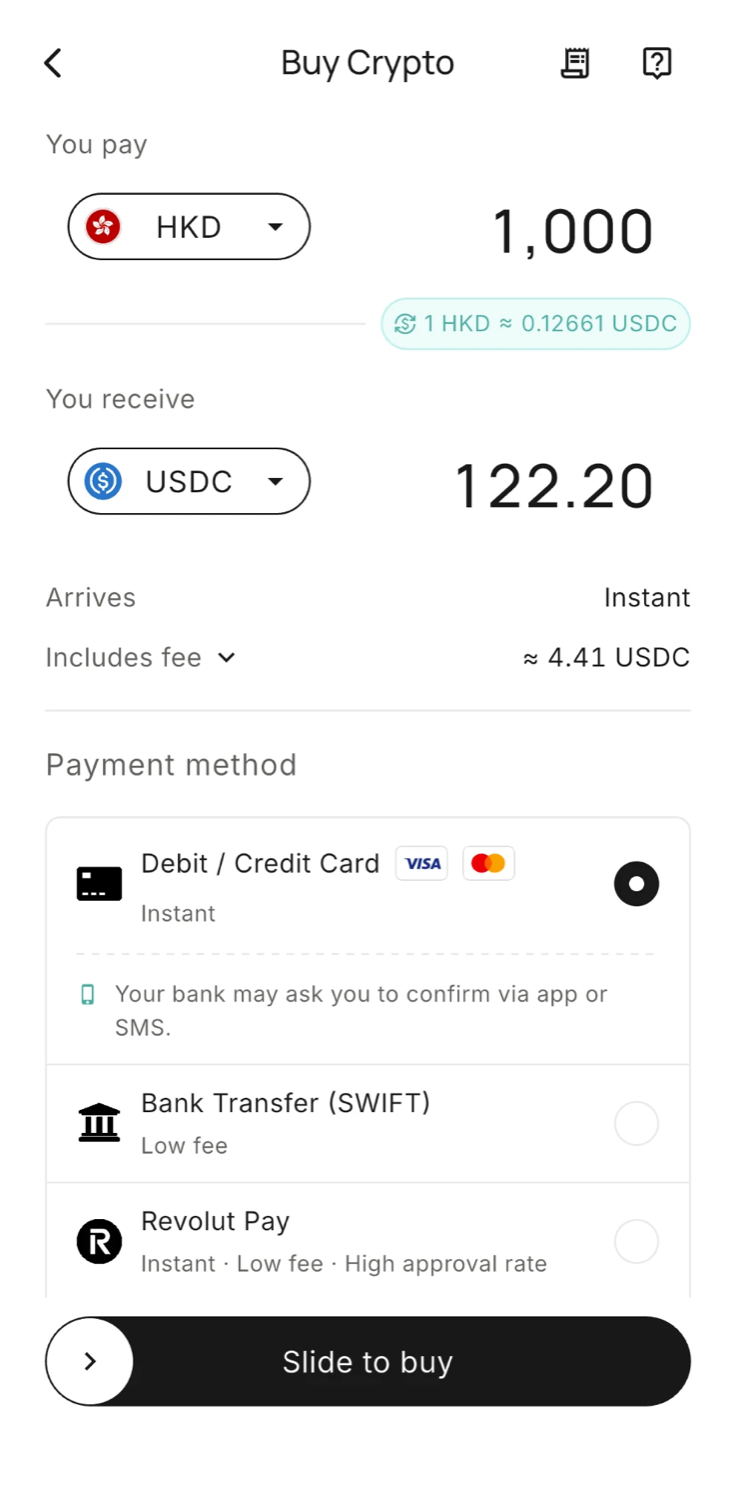
Pick a currency and payment method. The quote shows exactly what you get.
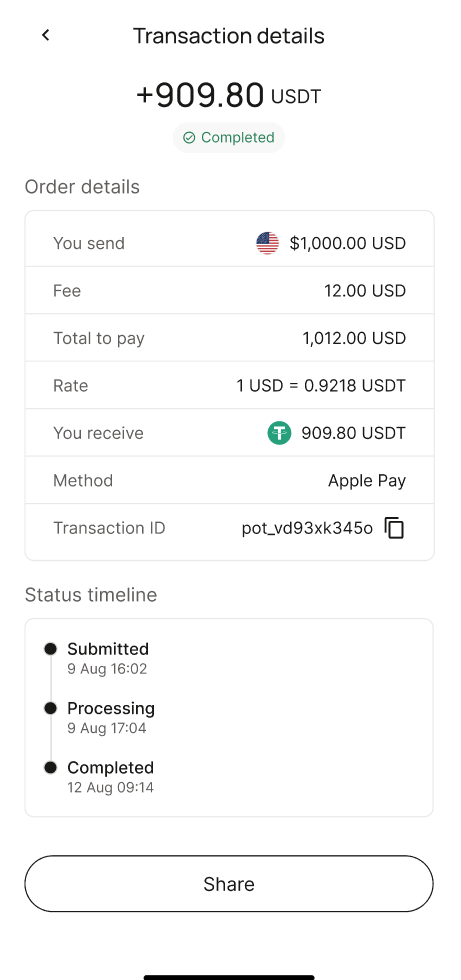
Stablecoins typically land in your balance in 5–30 minutes.
Unpaid orders close automatically after 48 hours. Once a payment is submitted, the order cannot be cancelled.
Buying stablecoins with a card or bank transfer should hold no surprises.
The checkout page shows the fee, the rate and the exact USDC or USDT amount that will be credited before you confirm.
Your bank or card issuer may ask for an extra check, such as an SMS code or in-app approval, before the payment goes through.
If anything goes wrong during checkout, tap Live Chat on the payment page to reach support.
Send from the wallet or exchange you already use. Pick the same network in DPT and in the wallet you send from.
Ethereum, Polygon, Base, Arbitrum One and BSC share one DPT deposit address. Solana and Tron each have their own. Still pick the same network you send on.
Sent to the wrong network or address? Contact support with the transaction hash — recovery is sometimes possible, and you are not charged if it fails.
| Network | Coins | Minimum |
|---|---|---|
| EVM networks · one shared address | ||
 Ethereum | USDC, USDT | 1 |
 Polygon | USDC, USDT | 1 |
 Base | USDC, USDT | 1 |
 Arbitrum One | USDC, USDT | 1 |
 BSC | USDC, USDT | 1 |
| Other networks · separate address | ||
 Solana | USDC, USDT | 1 |
 Tron | USDT | 10 |
Connect MetaMask, Binance Wallet and more to deposit directly — no address to copy.
When the person paying you is already on DPT, skip the blockchain. No fee, no network to choose, and the money lands in real time.
Give the payer your DPT QR code, DTag, phone number or email.
They scan your code, or enter your DTag, phone number or email, and send USDC or USDT.
The money is in your balance in real time, with zero transaction fees.
Whatever way the money comes in, it sits in the same DPT balance.
Your card draws on the same balance. Once a deposit lands, you can pay with it straight away — no separate card top-up.
Explore the cardMove idle USDC or USDT into DPT Earn. Turn on Spend from Earn and your card pays from it when needed — no moving funds back first.
See EarnUse the same USDC or USDT to buy tokenized US stocks, ETFs and crypto from US$1 — evenings and weekends too.
See InvestMove stablecoins out to local bank accounts and e-wallets in supported corridors with Global Payout.
See PayoutYes. On the Home screen, tap Deposit, then Buy Crypto. Choose your currency and payment method and follow the steps to pay in your local currency and receive USDC or USDT in your DPT account. Available payment methods vary by country.
Fees start from 0.99% and depend on your payment method, the currencies involved and real-time exchange rates. The checkout page shows the exact amount you will receive before you confirm, and that is the amount credited.
No. DPT does not charge a fee for USDC or USDT deposits. The wallet or exchange you send from may charge its own withdrawal or network fee.
USDC and USDT on Ethereum, Polygon, Solana, Base, Arbitrum One and BSC, with a minimum of 1. On Tron, DPT accepts USDT only, with a minimum of 10 USDT. Choose the same network in DPT and in the wallet you send from; deposits below the minimum or on unsupported networks cannot be credited.
Not yet. Personal virtual bank accounts are in development. Until then, you can pay by bank transfer through Buy Crypto using local networks such as SEPA, ACH and PIX, where available, and the stablecoins you buy are added to your balance.
No. Your DPT Card uses your DPT balance directly, so once a deposit arrives you can spend it with your card right away.
Buy USDC or USDT from 0.99%, deposit from any wallet, or get paid by other DPT users for free.
Get the App